
Lockdown '24 Help
Your go-to guide for questions and step-by-step support during Lockdown 2024

FAQ
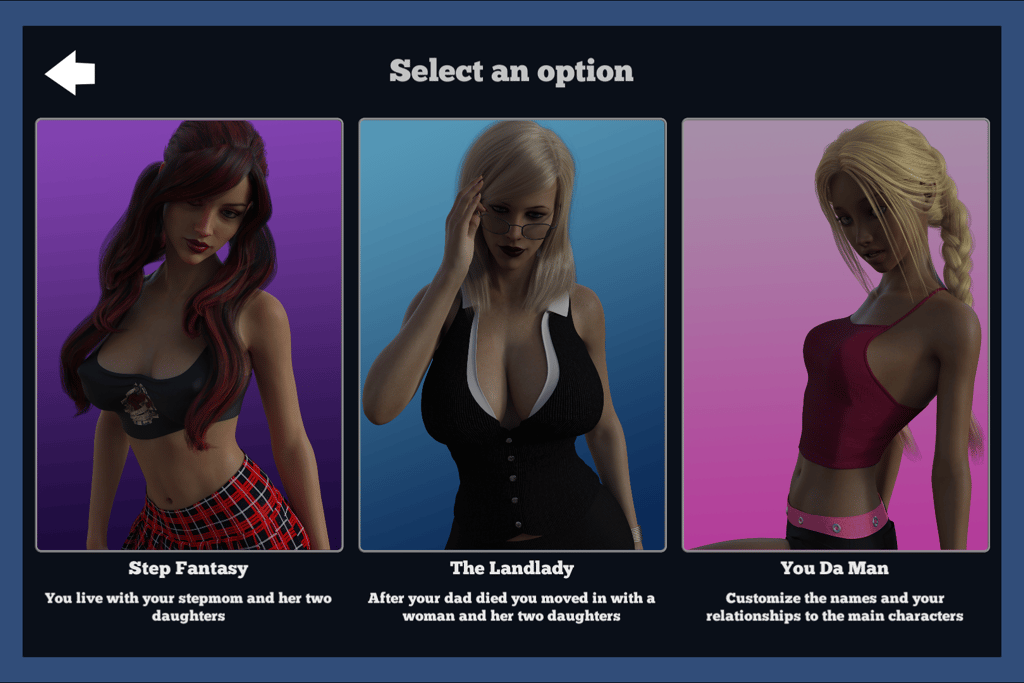
Q: I don't like step-fantasy games, can I change the relationship between the Main Character and the other characters in the game?
A: Absolutely yes, you have 3 options to choose from when you start a new game. #1 Step Fantasy: The Main Character is the Stepson & Step-brother of the 3 main female characters in the game. #2 Landlady: The Main Character is living in the house as a family friend. #3 Custom: You choose the Names & relationships of the characters yourself.
Q: I don't like playing mini-games. Can I turn them off?
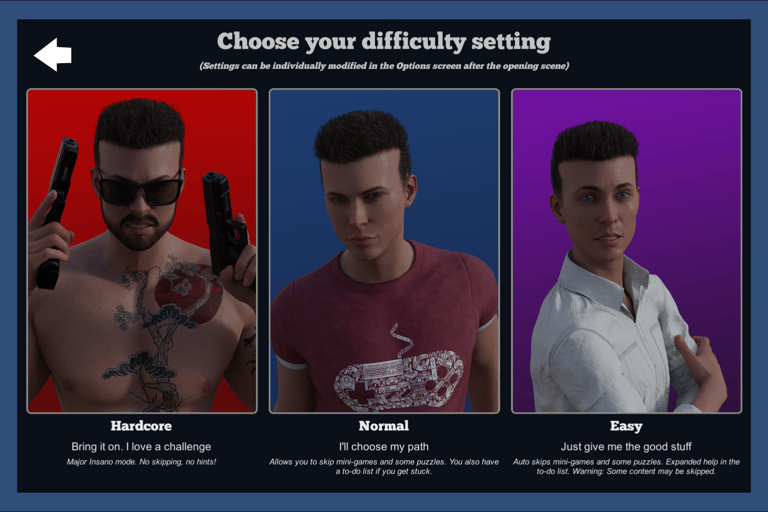
A: Yes, there is an option to choose a game mode when you start a new game. Hard: All mini-games are turned on and hints are limited. Normal: Mini-games are skippable and extended hints are available. Easy: Mini-games auto-skip and extended hints are visible automatically. You can also tweak these settings in the options dialog in your phone within the game.
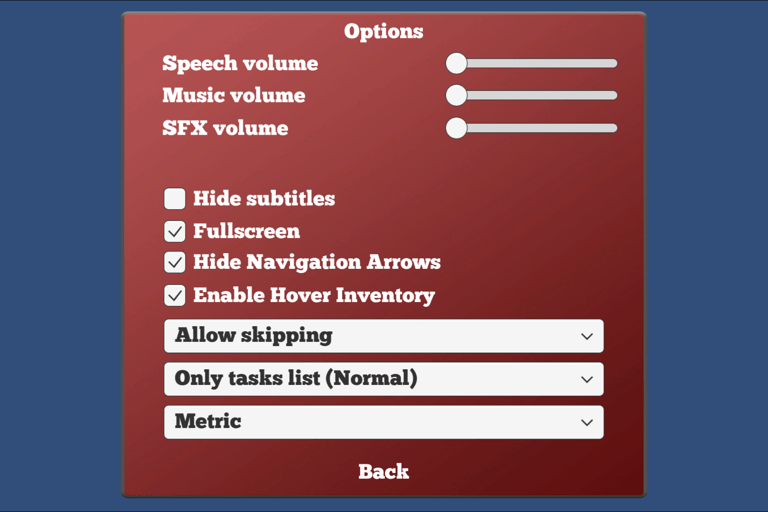
Q: How can I turn the music off?
A: That is in the options dialog. You can get there from the Options app in your phone.
Q: Some of these puzzles are too hard. Is there any help in-game?
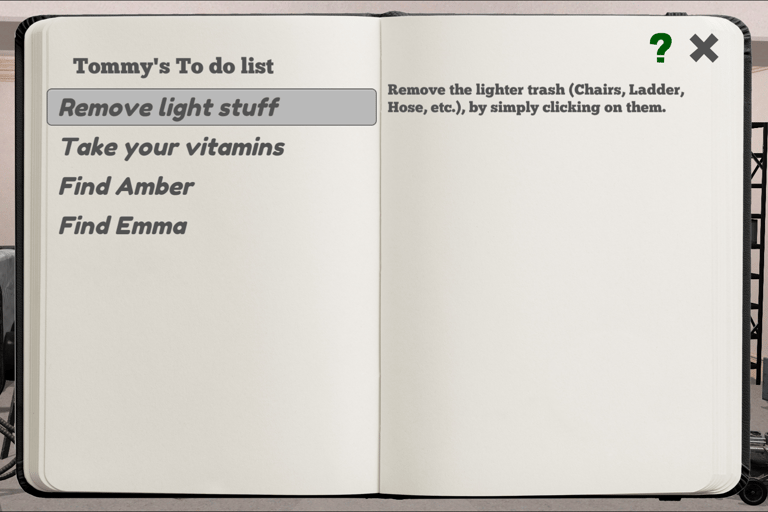
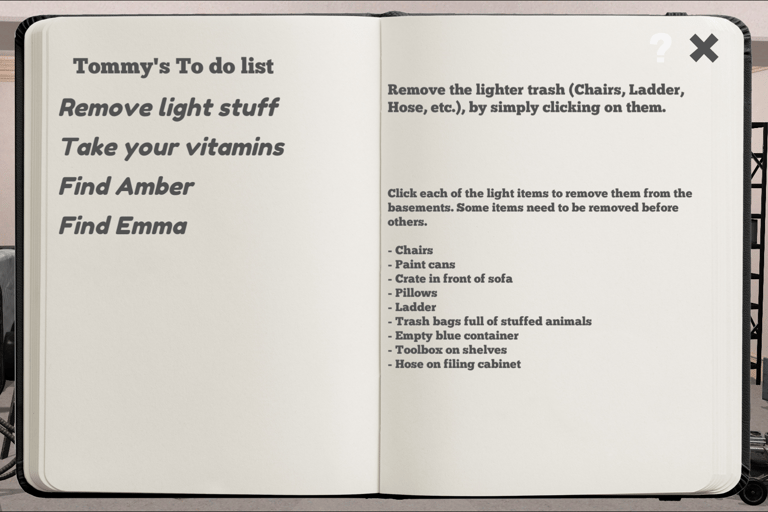
A: Yes, in the Missions screen. Select the current mission, on the right side of the notebook there will be basic information about the mission. Clicking on the "?" in the top right corner will expand the help to give you detailed information for solving the current mission. If you are still stuck there is a full walkthrough on this site.
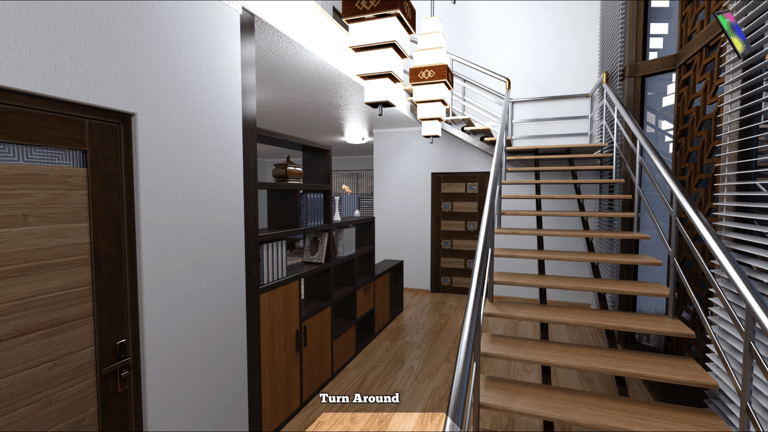
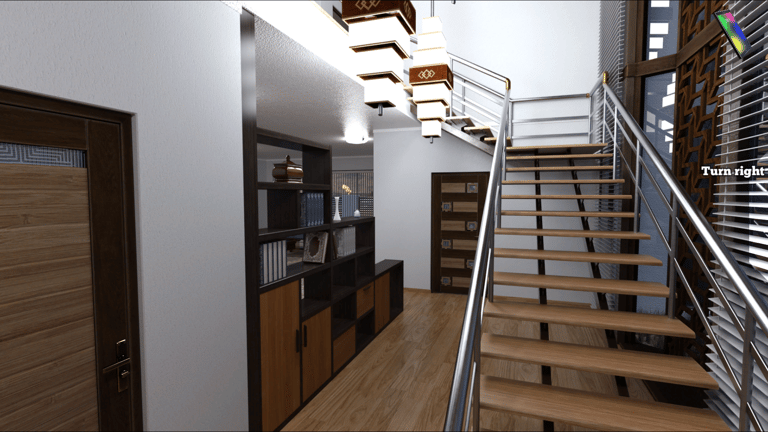
Q: I can't find anything. I go to the Kitchen and there is no refrigerator, or to the 2nd floor hallway and I can't get to the 3rd floor. What am I missing?
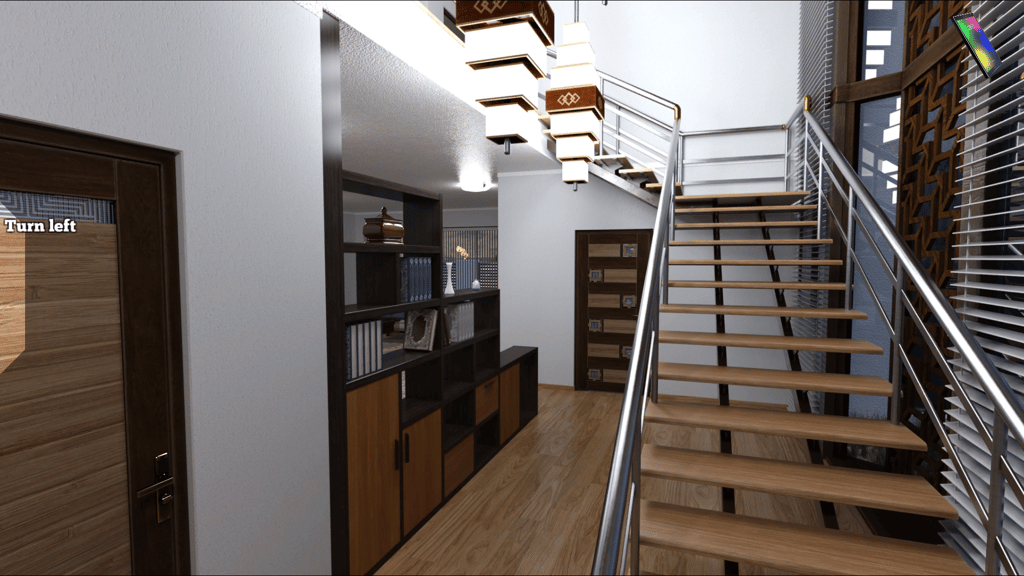
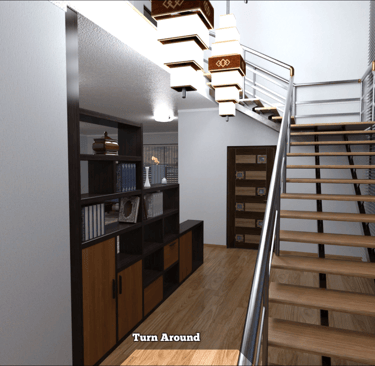
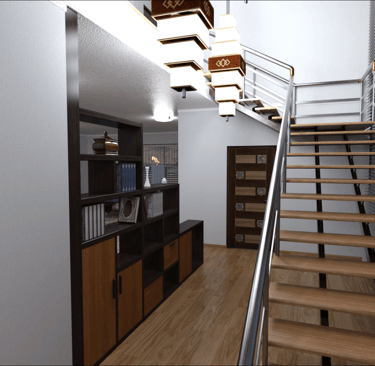
A: Each area within the house can have multiple view. Imagine you are in a 3D space. When you enter you are presented with the main view. Each area can have up to 4 different positions. You can turn by using the hot spots on the Left, Right and Bottom of the screen. Alternatively, most areas support using the arrow keys on your keyboard.
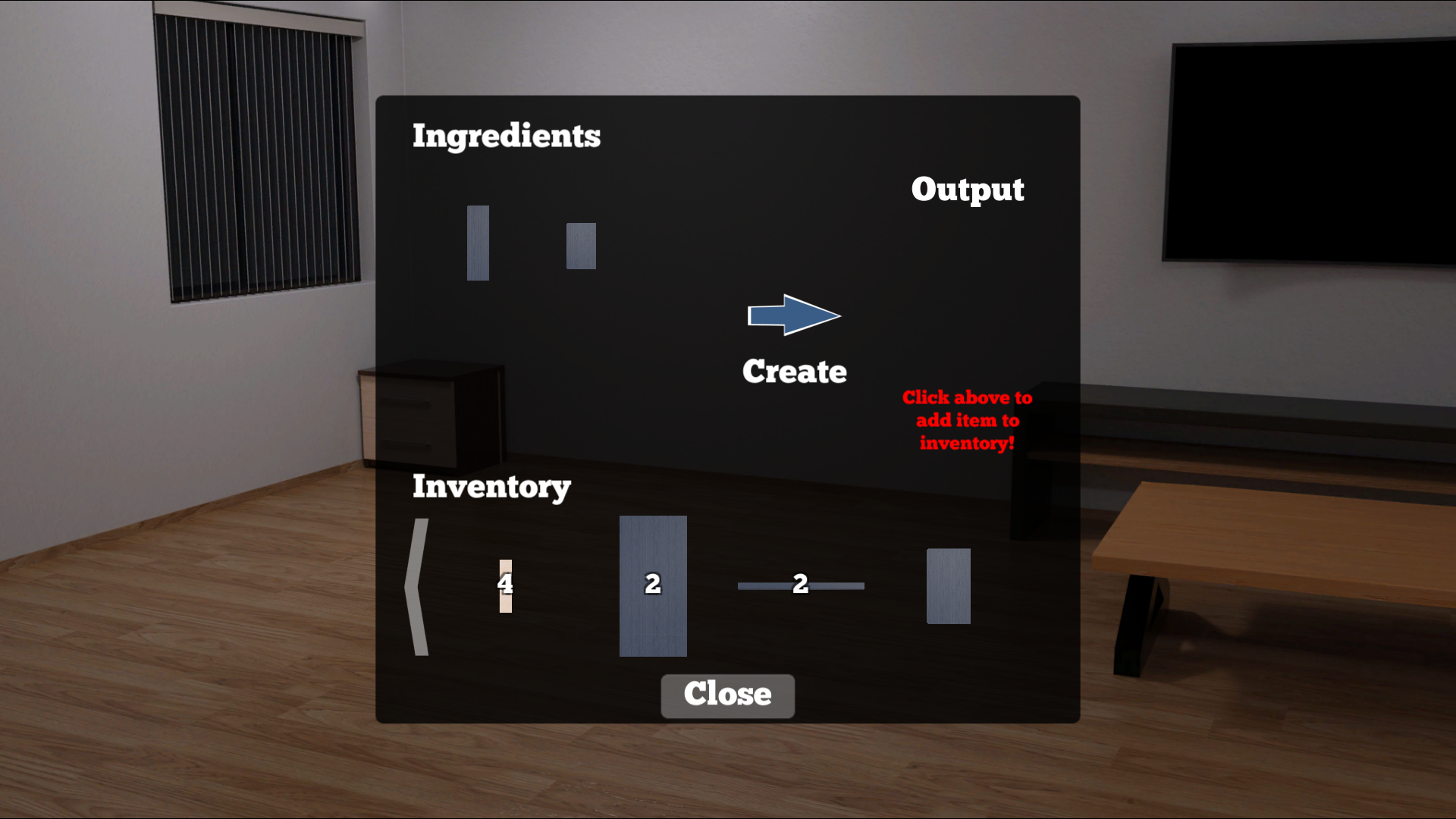
Q: What is the build app and how do I use it?
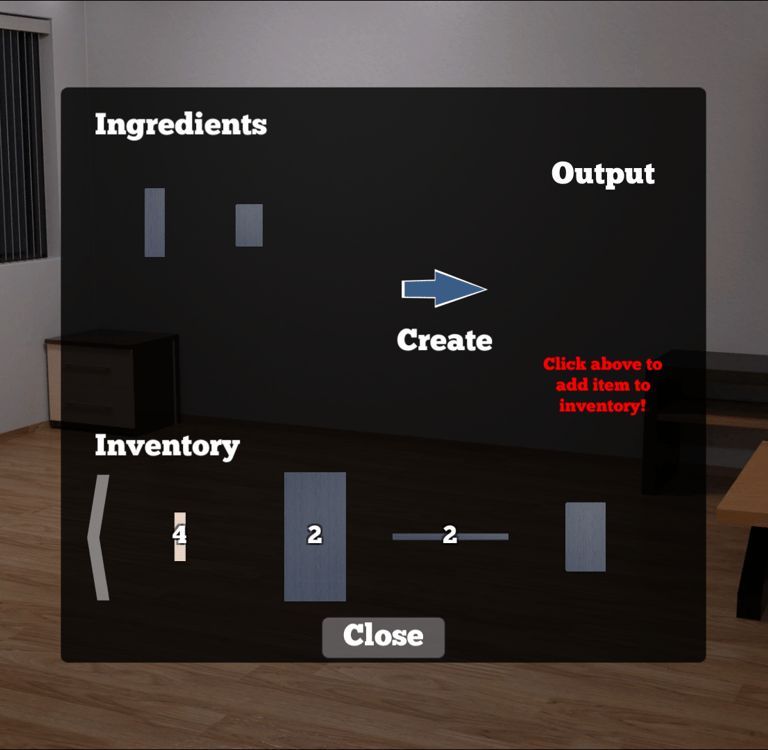
A: The build app is on your phone. It is a way to combine more than 2 inventory items to make another item. It works almost identically to another crafting game where the players dig mines. When you open the app you're presented with your inventory and 4 ingredient spaces. Move the correct items into the ingredient spaces by clicking on them from your inventory and then clicking an empty space in the ingredient area. When you have the correct items, click the Make button. Lastly, click on the item you made to move it into your inventory.
Q: I can't make a copy of the key. What am I missing?
A: There is a detailed explanation of the process in-game under the mission help. You can also follow the walkthrough (Coming soon) here.
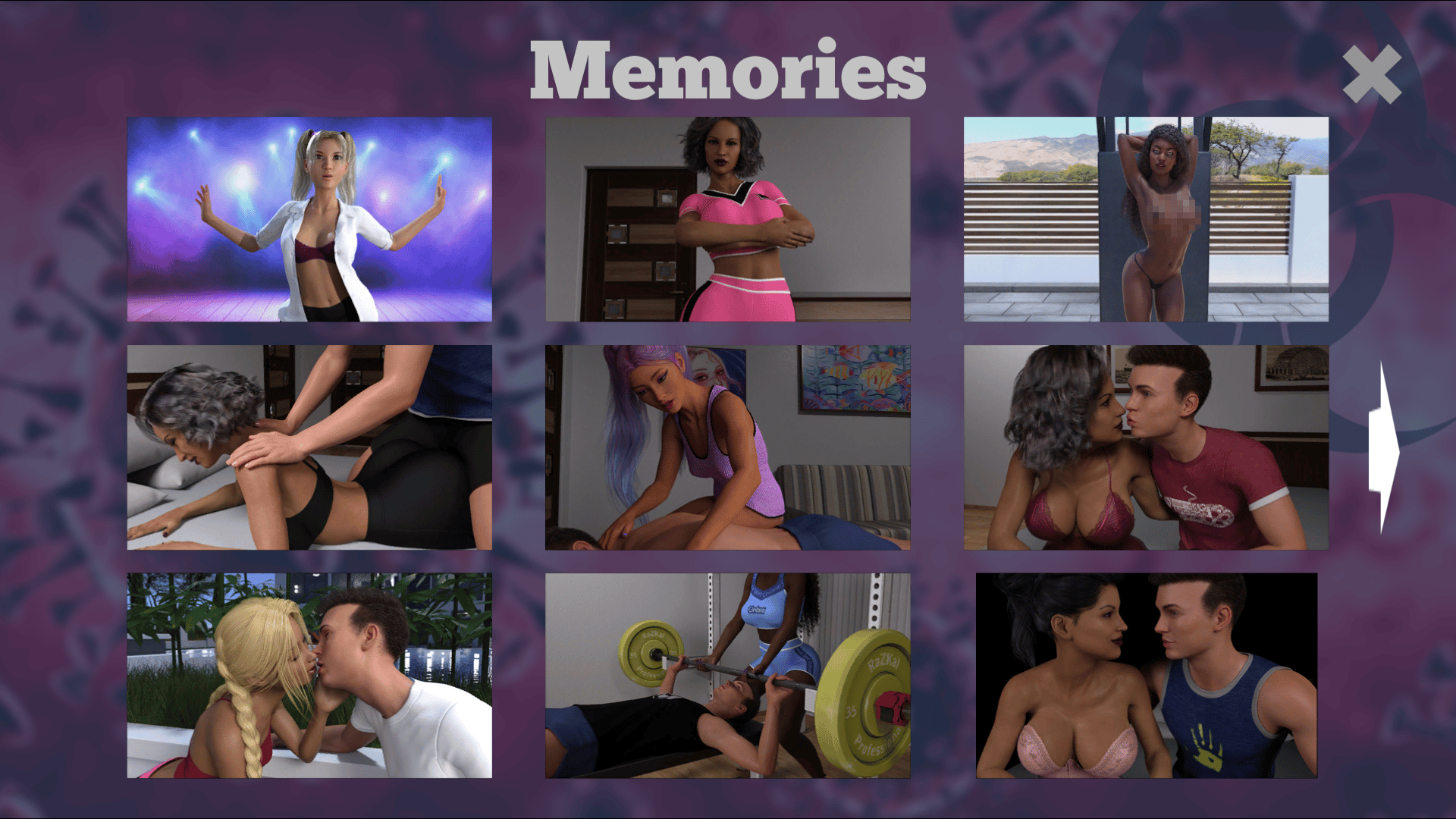
Q: I want to replay my happy times in the game. Is that possible?
A: Yes, all of the H-scenes can be replayed in the Memories screen. You can get there from the Title menu and from the Memories app in your Phone.
Ask Us!
Don't see what you're looking for? Send us your questions.